Skip to content
Complete Recruitment Platform V2

One Unified Platform for Your
Entire Hiring Pipeline

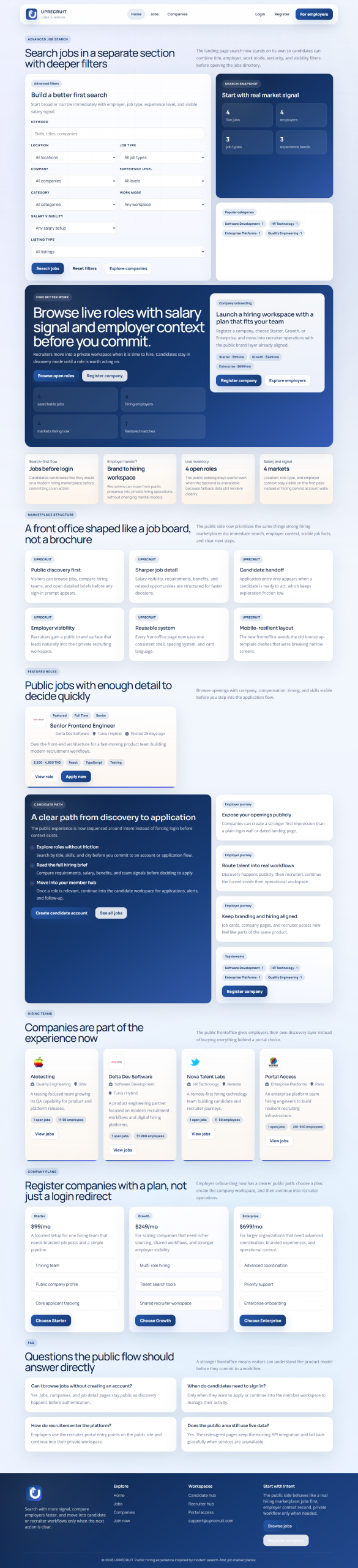
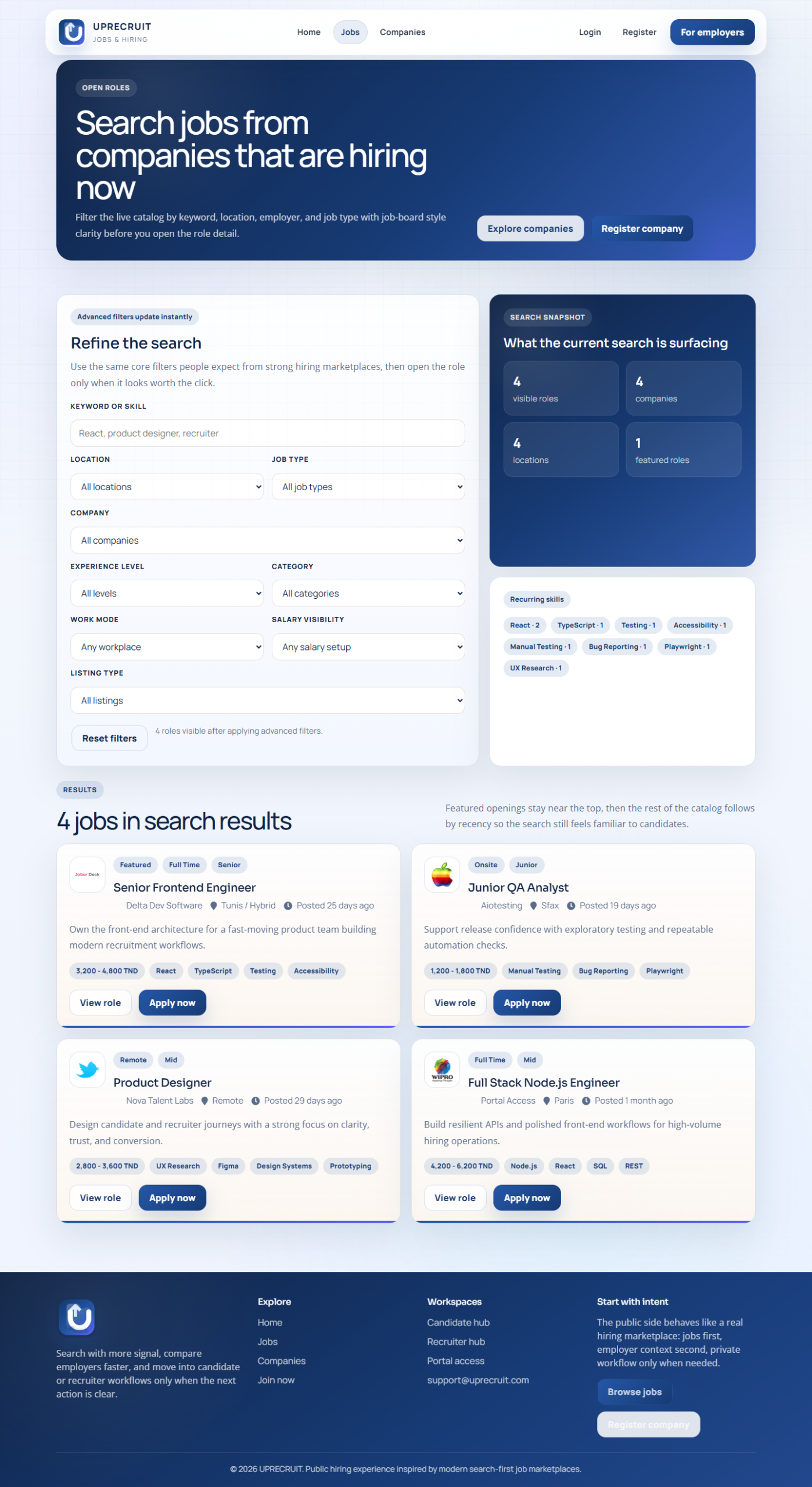
Own the source code. Self-host with no per-seat fees. Node.js and React recruitment platform with jobs, applications, interviews, contracts and analytics in one workspace.

40+
DB Models
10+
User Roles
3
DB Dialects
1-Click
GUI Launcher
MIT
Open License

Features

One Platform. Hire Every Role.
Complete Unified Hiring Workspace

Kanban Pipeline

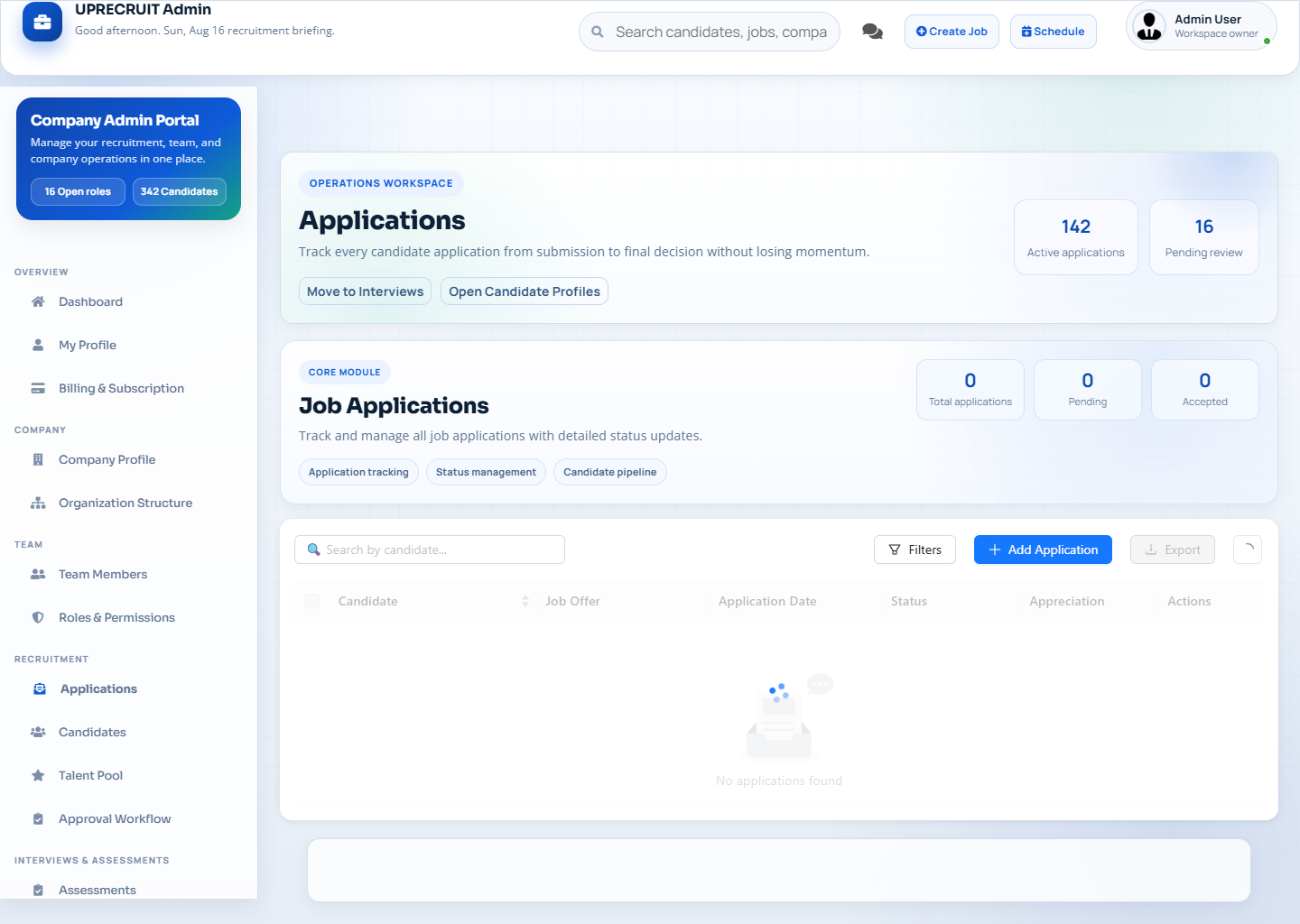
Visual drag-and-drop pipeline with Applied, Interview, Offer and Hired columns. Filter by job, recruiter or company.

Interview Scheduling

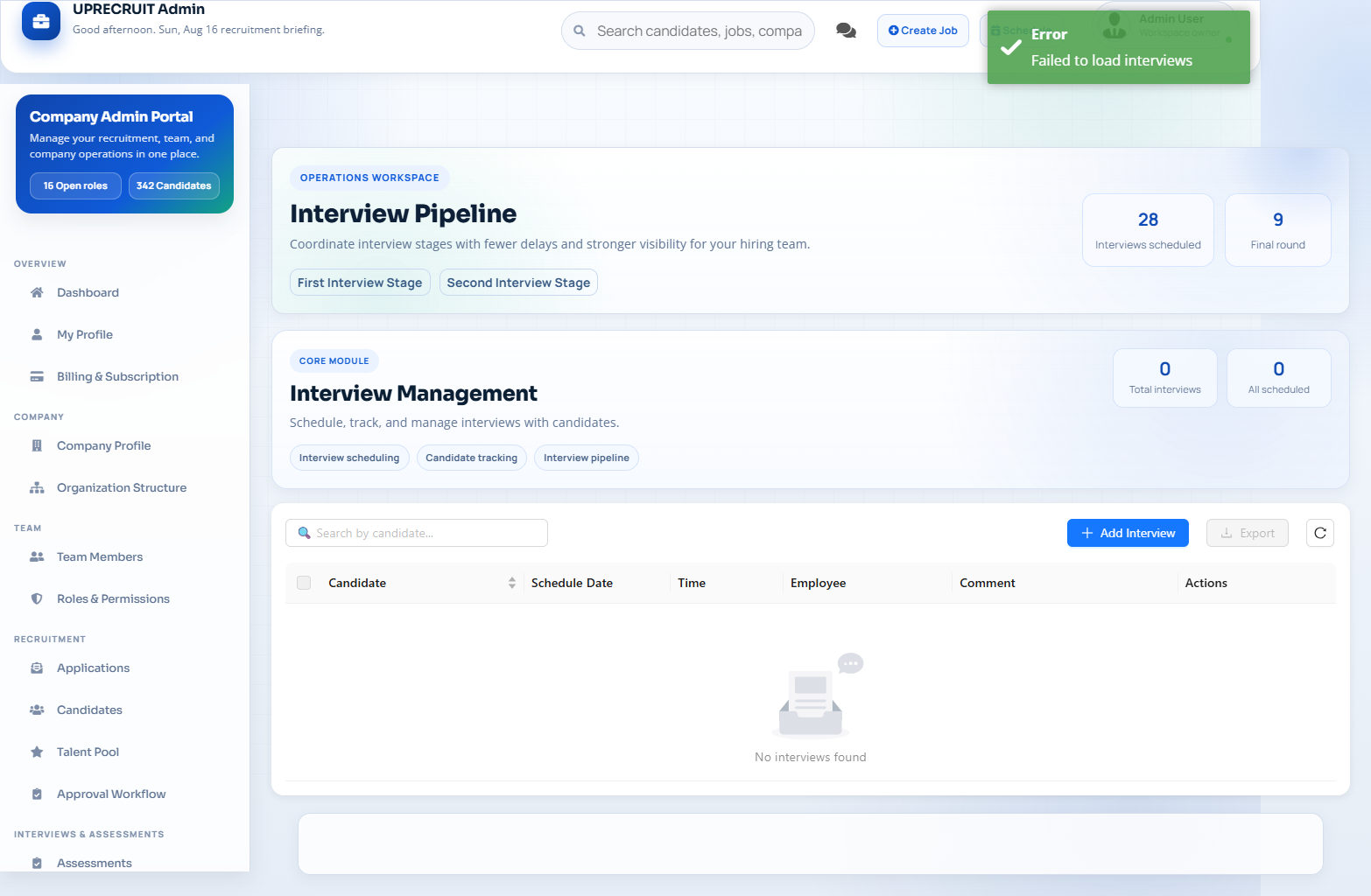
FullCalendar integration for scheduling. Automated email notifications, panel assignment and structured feedback forms.

Contract Management

Employment contracts with CDI/CDD/Stage types, renewal tracking, PDF generation and service agreement management.

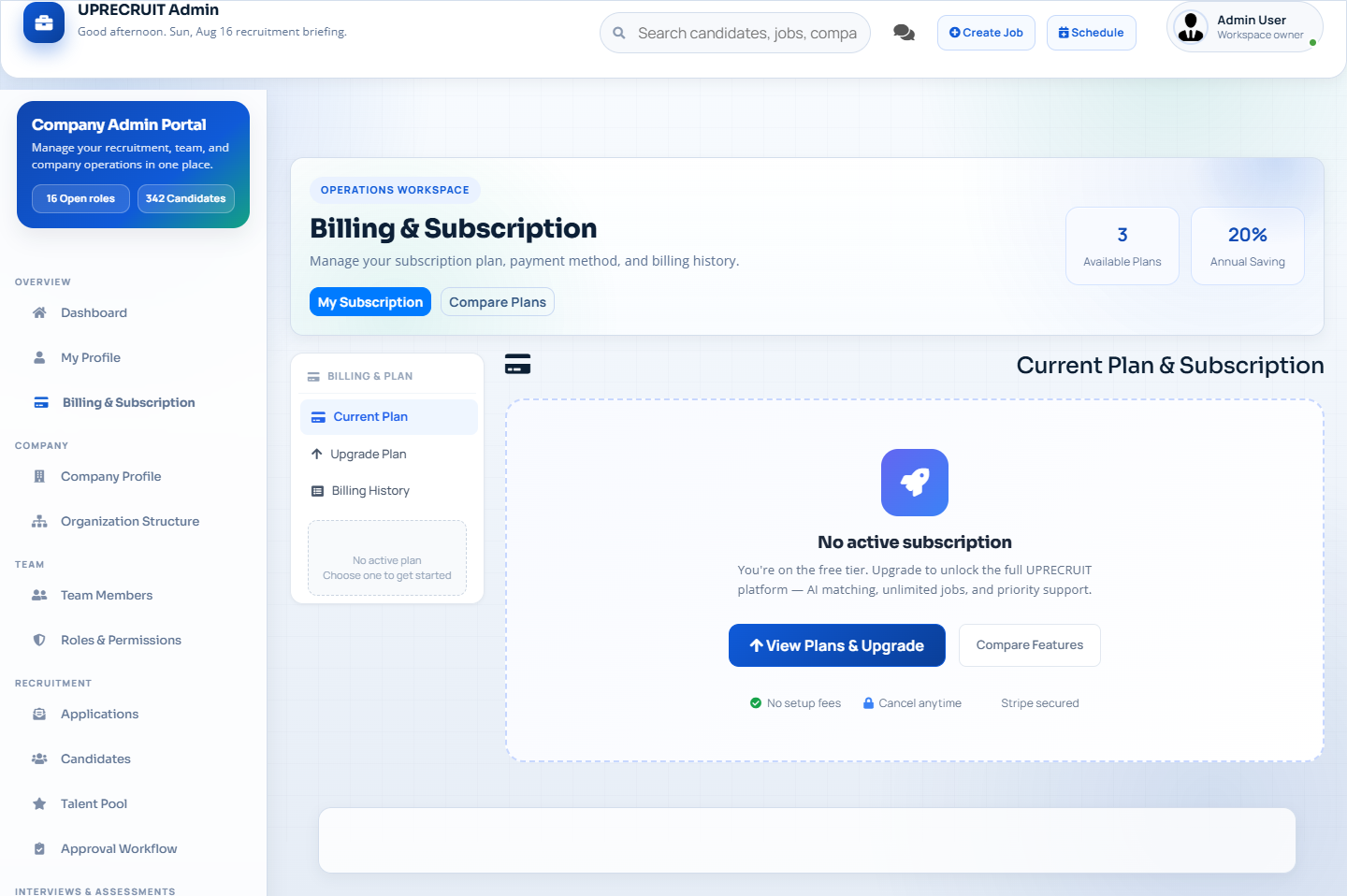
Stripe Billing

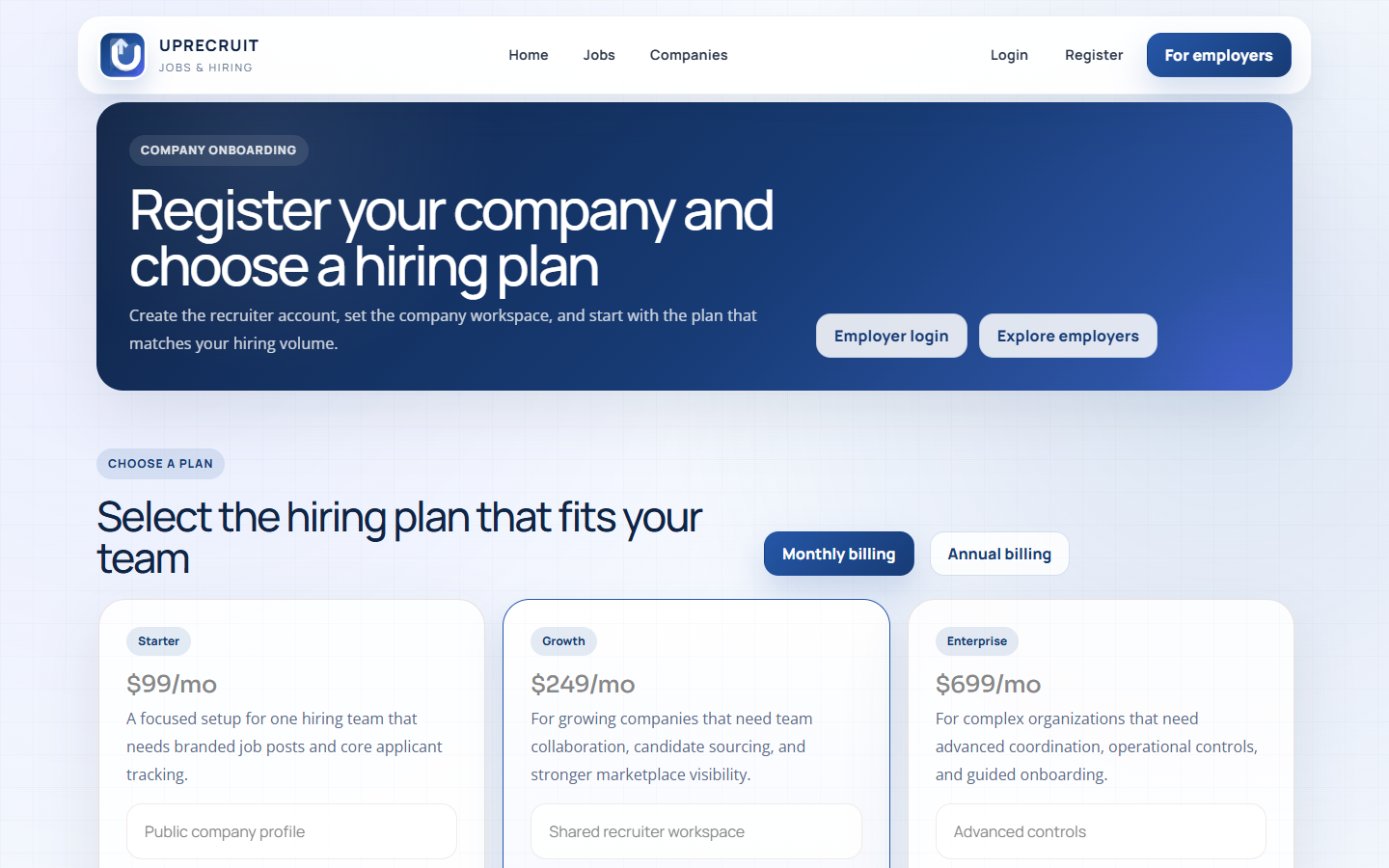
Starter, Growth and Enterprise plan checkout via Stripe. Webhook-driven activation, job slot limits and billing management.

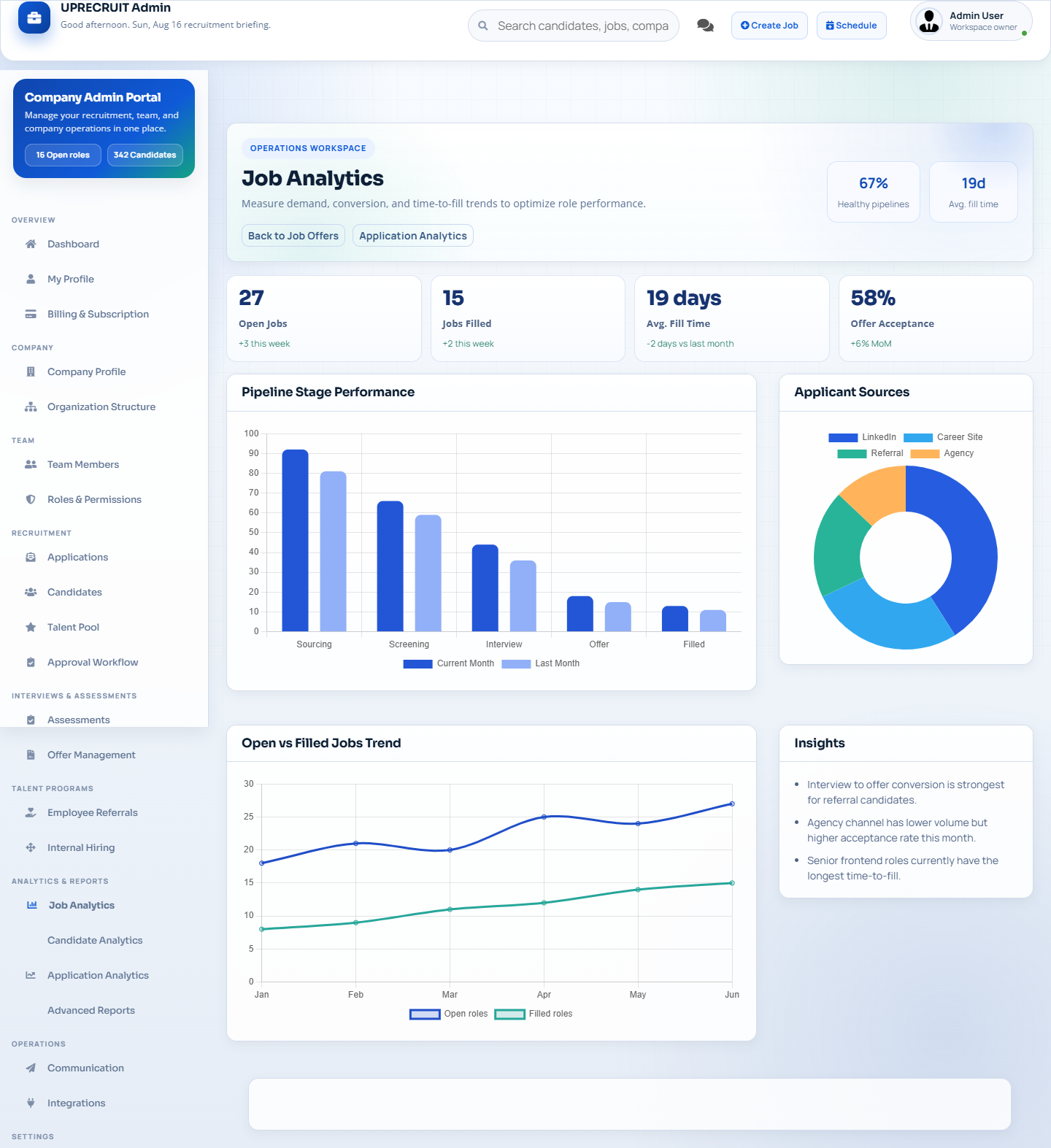
Analytics Dashboards

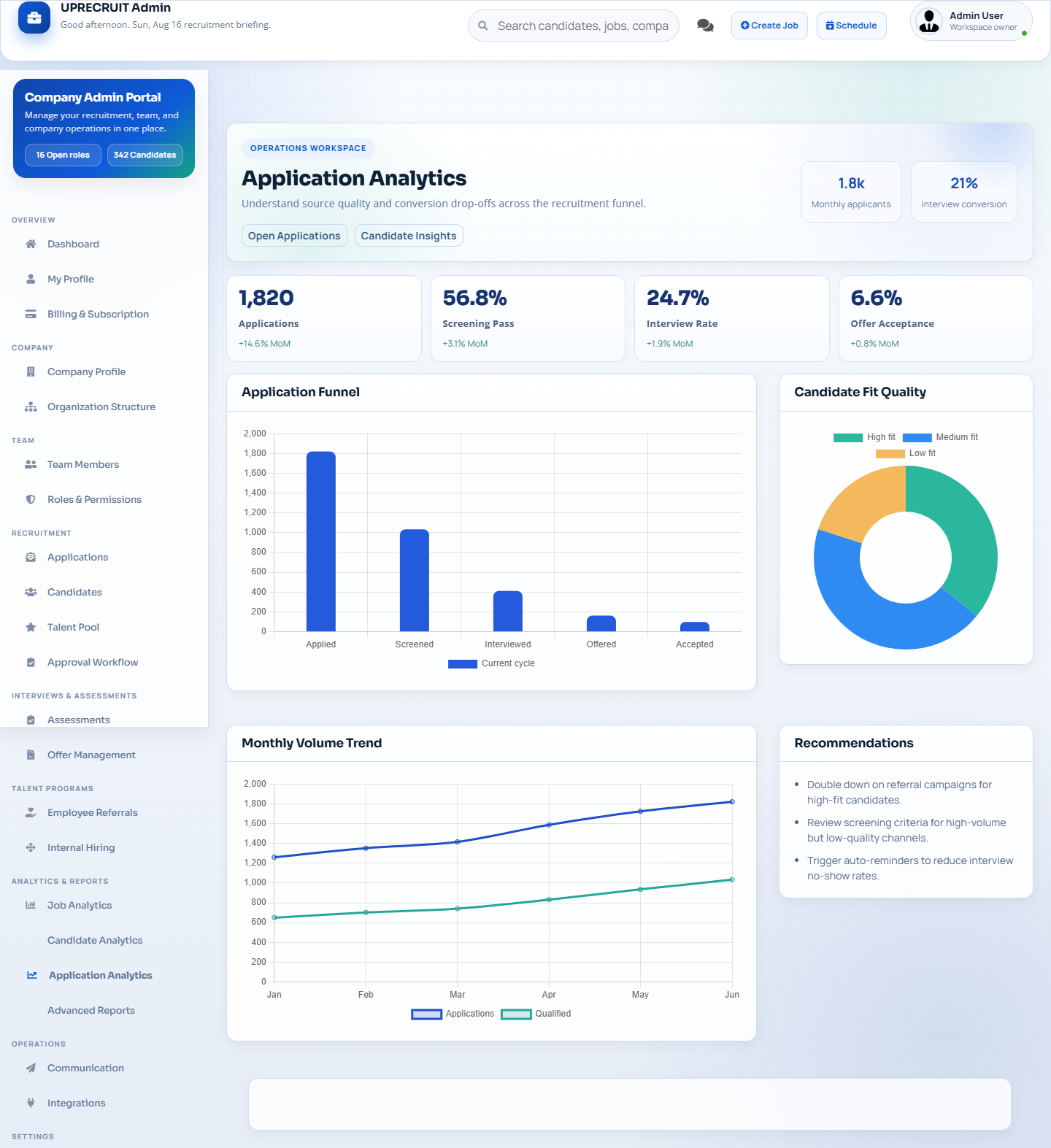
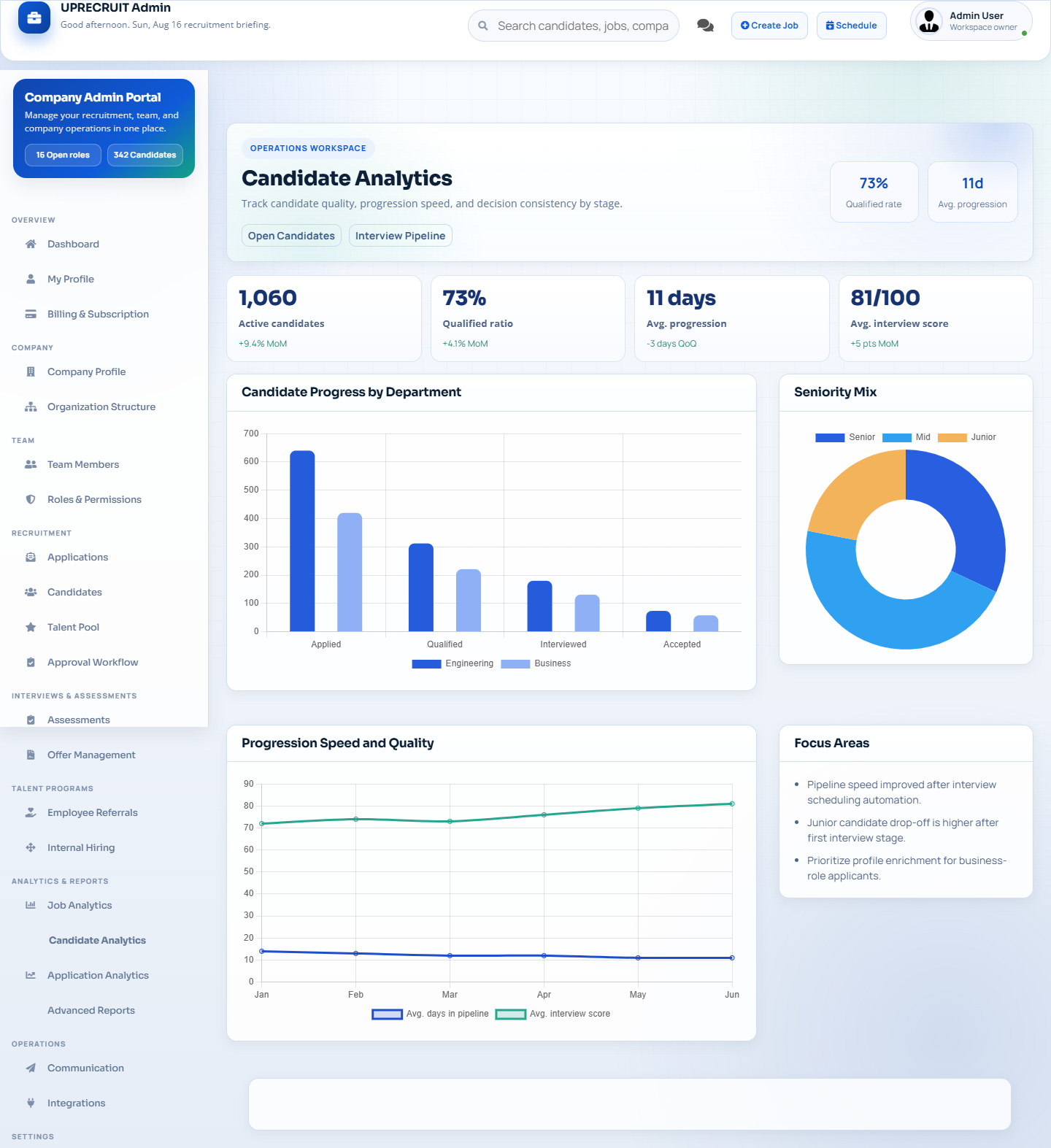
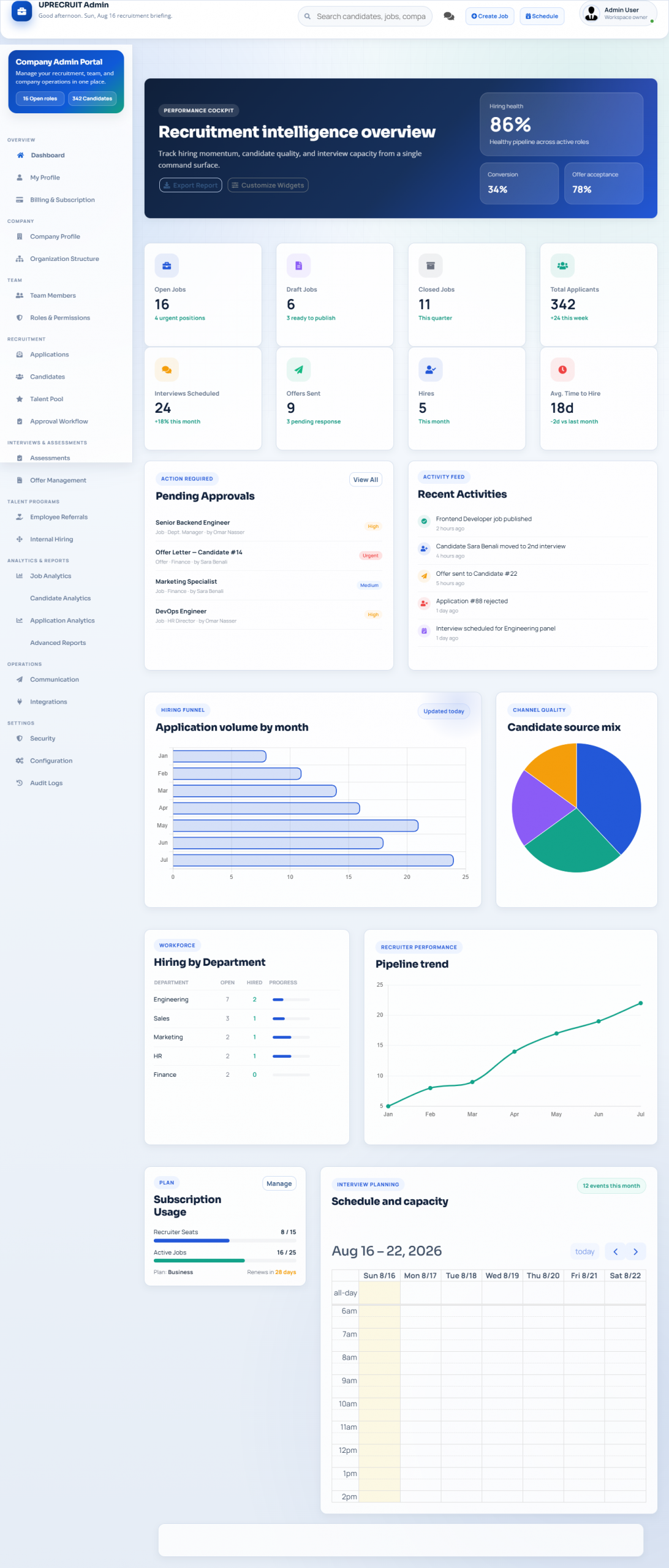
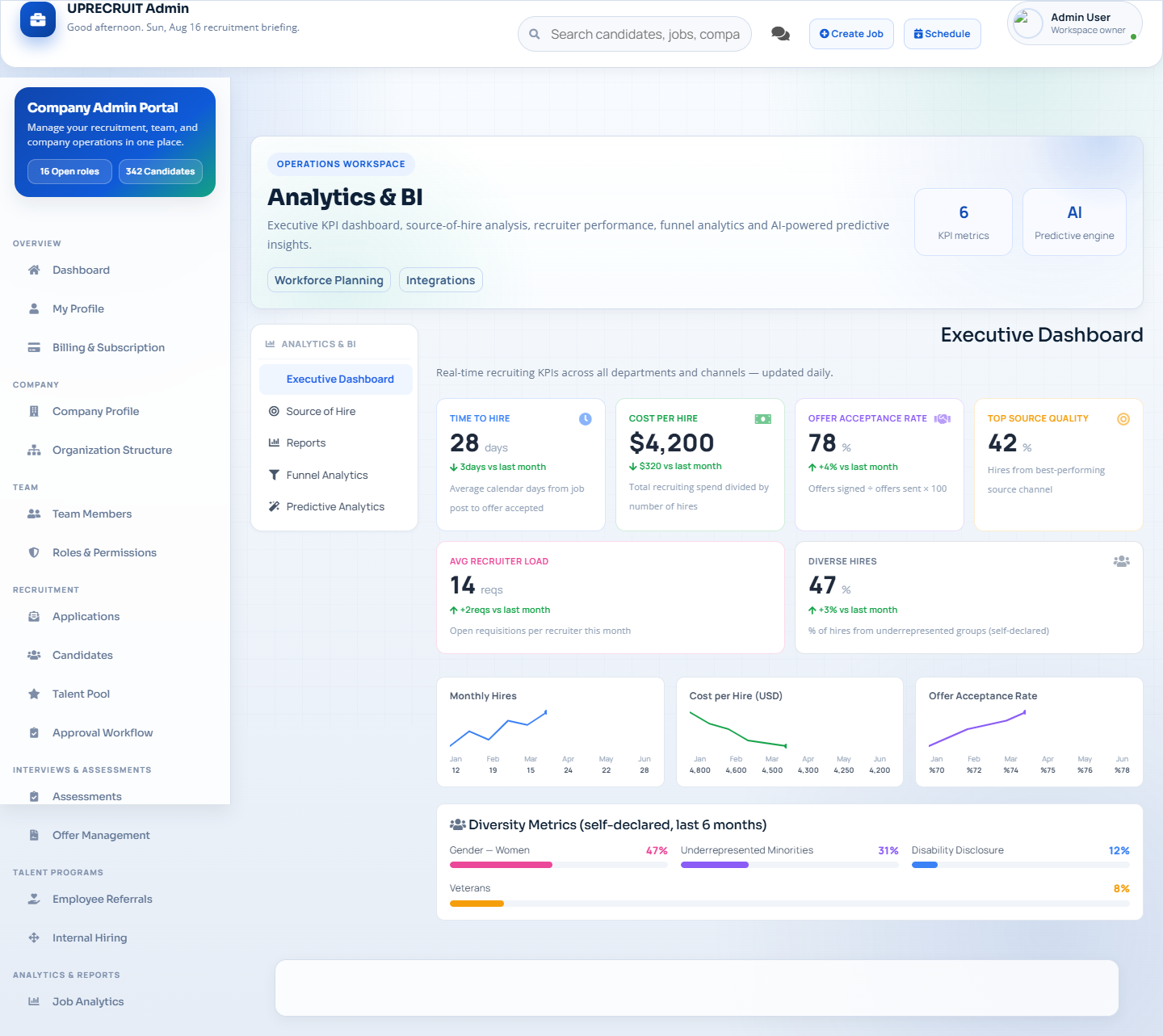
Chart.js dashboards with application volume, time-to-hire, conversion rates and source effectiveness.

Tech Stack

Node.js + Express + React 17 + Redux + Sequelize ORM + MySQL/PostgreSQL/SQLite + Stripe + JWT + Ant Design + Chart.js.

FAQ

Everything You Need to Know

What server do I need?

Any VPS or local machine running Node.js 16+ with MySQL, PostgreSQL or SQLite. The GUI launcher handles all configuration automatically.

Is there a candidate or job limit?

No. UpRecruit imposes no artificial limits on candidates, job offers, companies or applications. Limits are only constrained by server resources.

How does Stripe integration work?

Stripe webhook routes are pre-configured for Starter, Growth and Enterprise plan activation. Add your Stripe keys to .env and billing is live immediately.

Which databases are supported?

MySQL, PostgreSQL and SQLite — switchable via DB_DIALECT env variable. All 40+ Sequelize models work across all three dialects without code changes.

Launch UpRecruit in Seconds

Double-click the launcher to configure your database, install dependencies and start the app — no command line required.

launcher.bat - Windows
launcher.sh - Mac / Linux